FAQ

CONTACTING CHANNEL 6
Social:
- We are on Bluesky, where you can receive updates on all new stories if you don't like checking your email (hi Spencer).
- We used to have an Instagram, it got deleted somehow and we don't know why (true story!). We might put it back up one day, who knows.
Email (yes, these are real):
Spencer: harumphharumph@gmail.com
Holly: wolfbearclownshark@gmail.com
Admin (use this for any questions or problems you may have about your subscription; you can also reach this email address by simply replying to any Ch6 newsletter): compliance@channel6productions.com
LOGGING INTO CHANNEL 6
• HOW DO I SIGN INTO THIS CONTRAPTION? While we love the minimalist interface of Ghost, we’ve gotten some reader feedback that it can be a little too minimalist, particularly when it comes to things like updating expired credit cards. The actual process of this is easy, and hidden in plain sight for reasons we’re sure seemed good at the time:
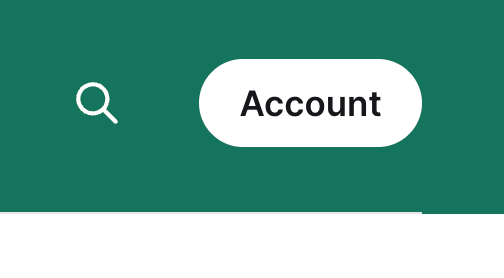
Sign into the site and look for a button. Top right. It will say "Account." Depending on your device, you may also see a button at the bottom right with your Ghost avatar, if you have one.
• HOW CAN I TELL IF I'M LOGGED IN? If you’re not, the button on the top right will look like this:
and the button on the bottom right will look like this:
Once you click that, you’ll be taken to a page that looks like this:
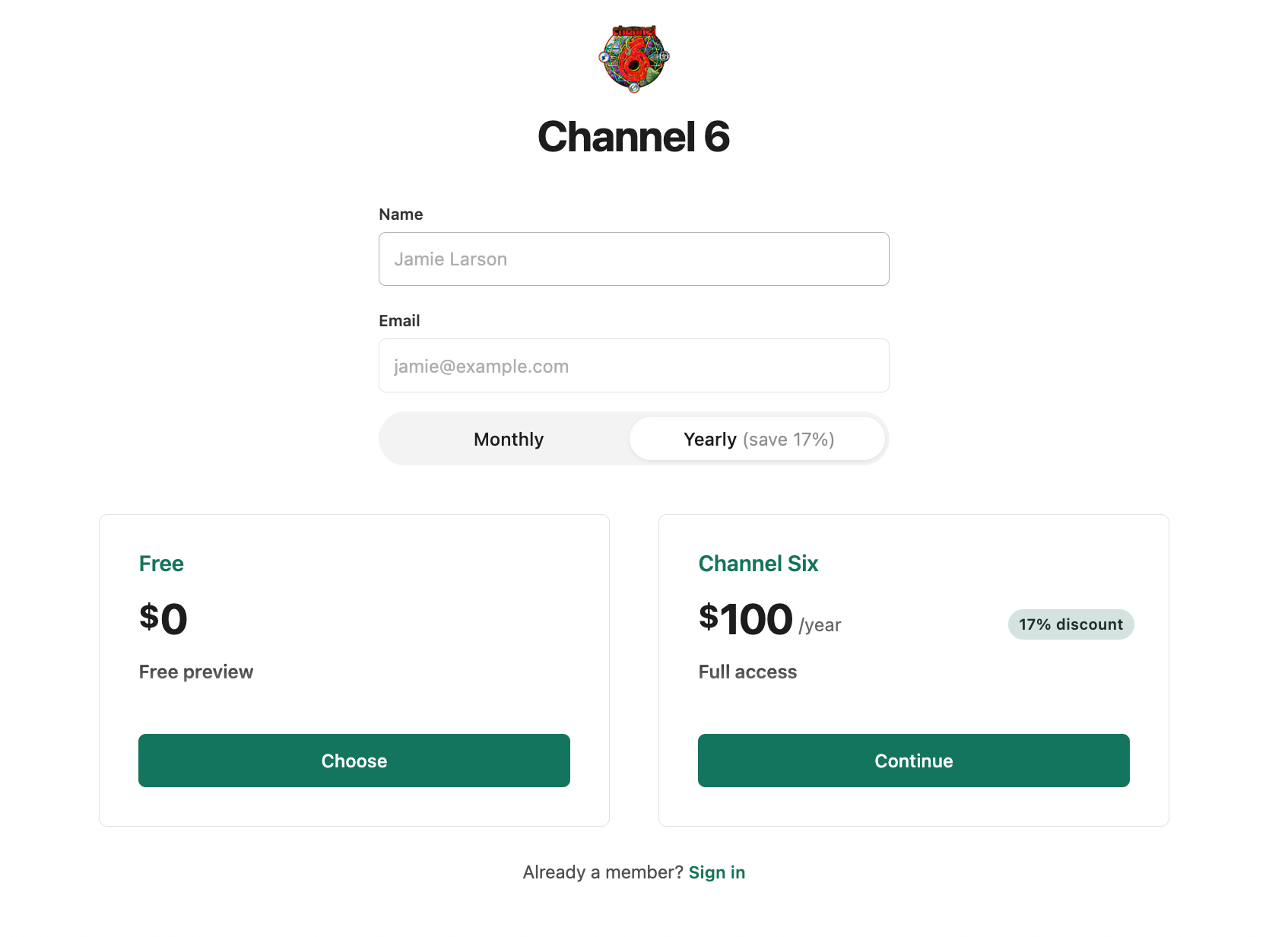
Ghost does logins a little differently than you might be used to; there are no usernames or passwords. Just click that “Already a member? Sign in” link at the bottom, then check your email. You should immediately receive an email from Ghost with a login link or code.
Once you’re logged into the site, click that Account button. You should get a popup window that looks something like this:
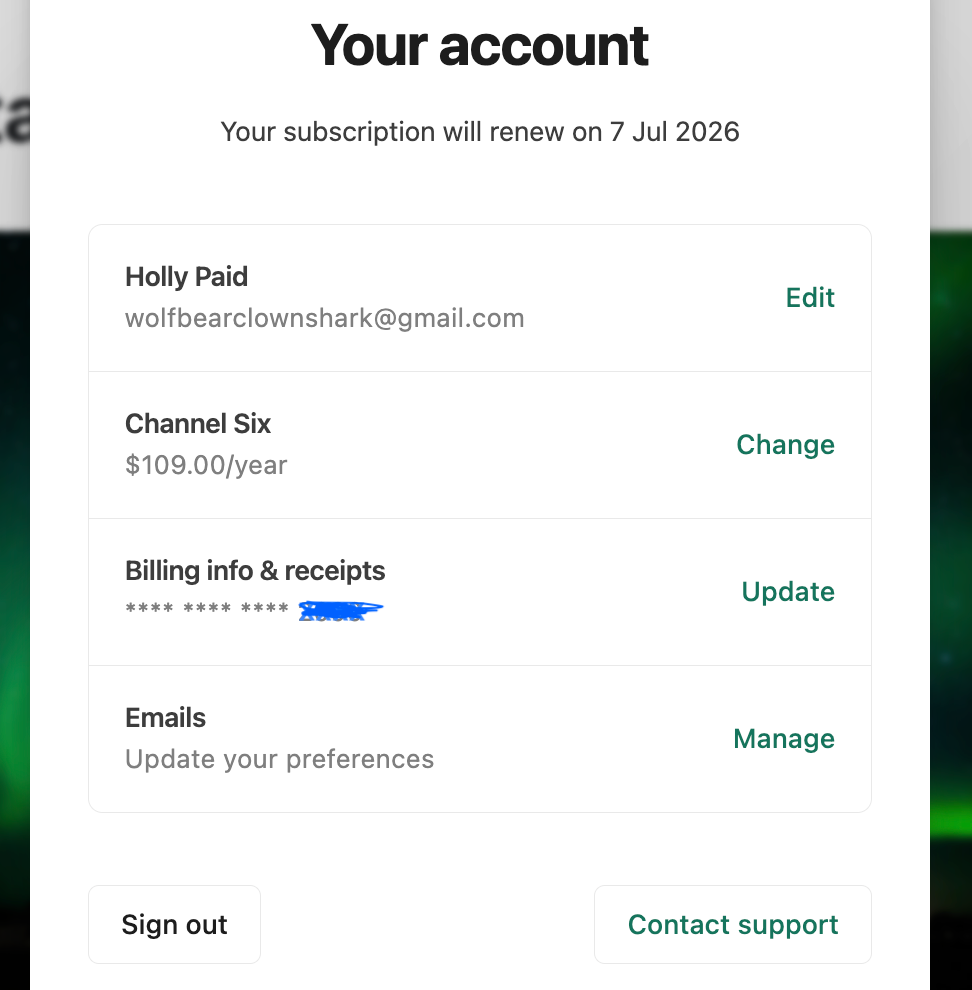
WHAT DO THESE BUTTONS DO?
This is a little bit weird, but this is how Ghost does its thing, so take heart and have courage; we’re all in it together:
• FIRST BUTTON: Account Settings. Click to change the email address where you receive the newsletter and other necessary communications (billing, etc.) from us.
• SECOND BUTTON: Plan Settings. Click to upgrade your plan from monthly to yearly (or downgrade), OR click the “Cancel subscription” link to quit us entirely. (Important! This is different from the fourth button, which we’ll get to in a minute.)
• THIRD BUTTON: Payment Settings. Takes you to the portal for Stripe, our payment processor, where you can update your credit card on file.
• FOURTH BUTTON: Email Settings. This one is a little tricky, so pay attention. Toggling the “email newsletter” switch only stops/starts the newsletter from being delivered to you as an email. It doesn’t otherwise affect your subscription in any way, and does not stop your payments. If you’d rather not get your Ch6 content via email, if you’d rather log into the site once a week and read what’s new on your own, this is the button for you. If you’re trying to end your Channel 6 membership altogether, you want that second button instead, which is why it's higher up. Helpful!
This may not be entirely intuitive to some of you, and as ADHD-addled types, we respect and sympathize with that. If you run into trouble with any of these options, shoot us an email at compliance@channel6productions.com, and we’ll walk you through it.